 Readhill
Made for big documents
Readhill doesn't load the whole document at once. It draws the page on screen and prepares the rest as you need it. That's why a 5,000-page manual opens in the first second and scrolls without a stutter.

PDF reader
A PDF reader made for manuals, textbooks, contracts and reports. A huge document is as quick as a small one.
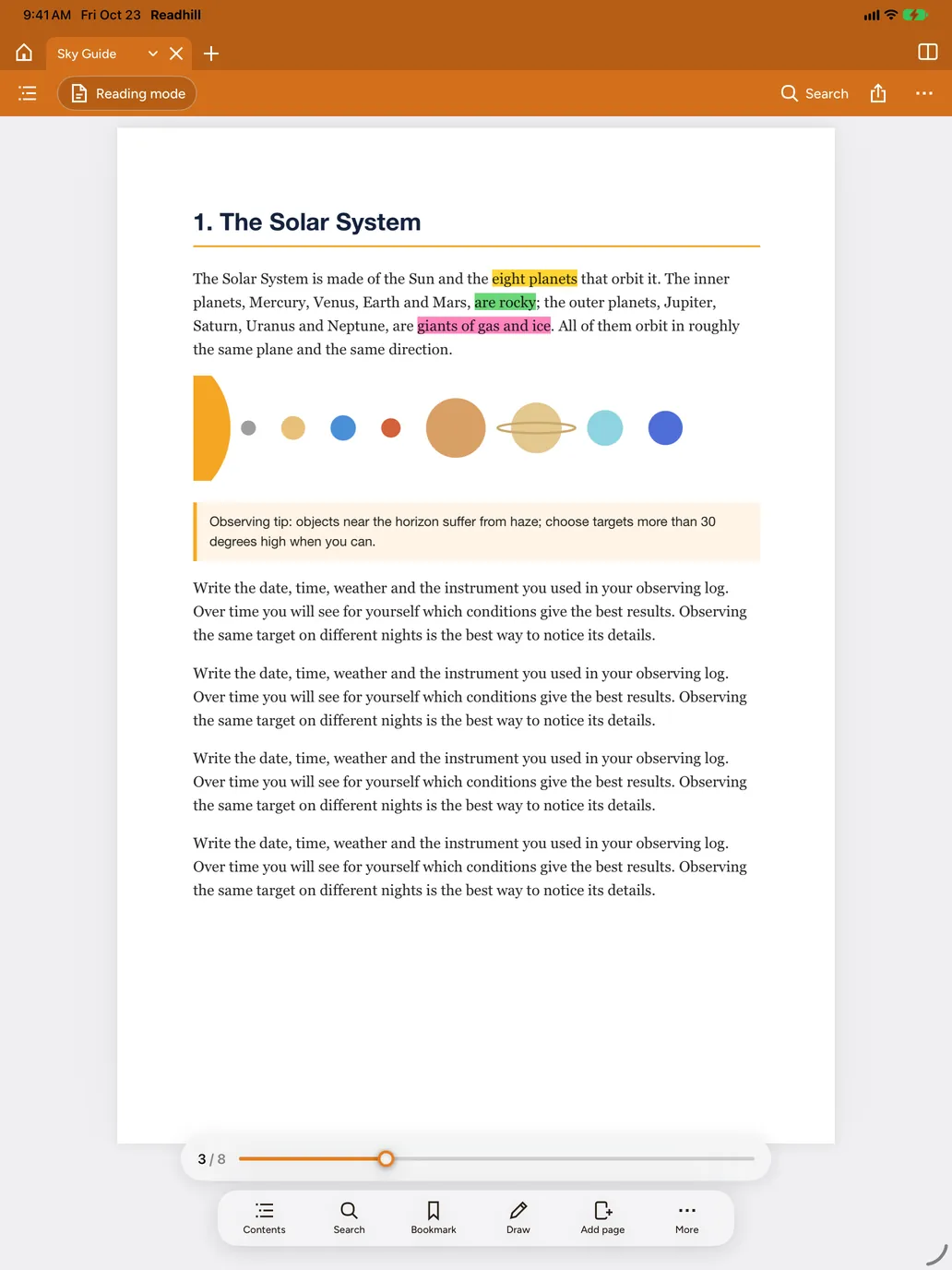
Readhill doesn't load the whole document at once. It draws the page on screen and prepares the rest as you need it. That's why a 5,000-page manual opens in the first second and scrolls without a stutter.
Contents, text search you can step through result by result, and a page slider that jumps anywhere.
Keep documents open in tabs and switch with one tap. Single page, side by side or continuous scrolling; horizontal or vertical.
Type the password once and, if you like, let this device remember it. When you save, the document stays protected with the same password.
There's no fixed limit. We test regularly with documents of thousands of pages; however big the document is, only the pages on screen are loaded.
Yes. Highlight, underline or add a note to text. You can also write freely with Apple Pencil.
Your drawings and notes are kept in Readhill. When you share, you choose a copy with or without them.
Download it free. No account needed.
Requires iPadOS or iOS 17 or later