A pen for every job
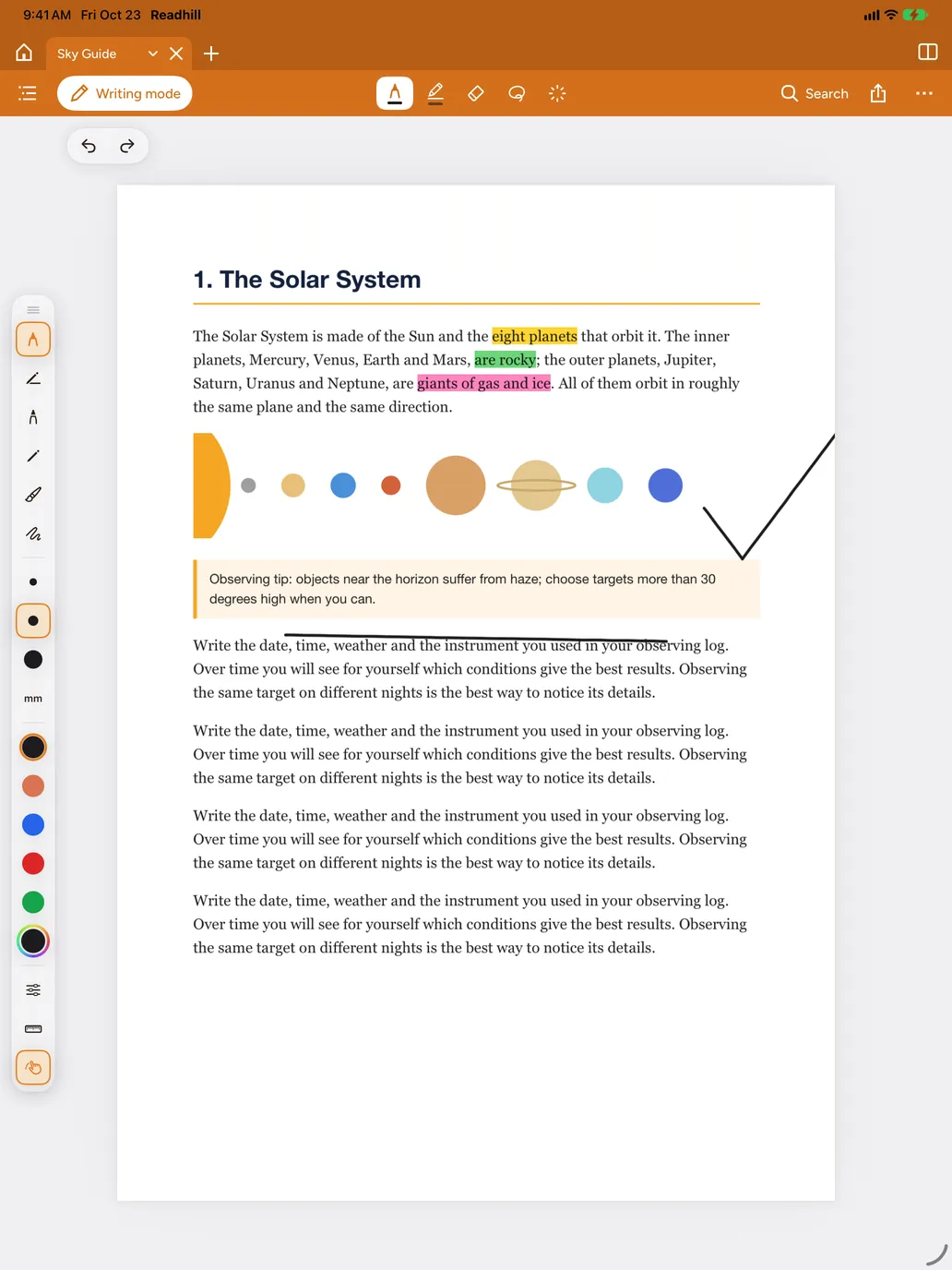
Pressure-sensitive pens, a brush pen, highlighter and eraser. Choose thickness in millimetres and save your own colours.
- Draw and hold: your sketch becomes a clean circle, line or square
- Lasso to select, move, rotate and resize
- Tape to hide answers, tap to reveal
- Sticky notes, text boxes and signatures
- A ruler for straight lines

The pencil draws, your finger scrolls
With Only the pencil draws, your finger keeps scrolling the page. Squeeze Apple Pencil Pro and the palette opens right under your hand.
Notebooks, whiteboards and quick notes
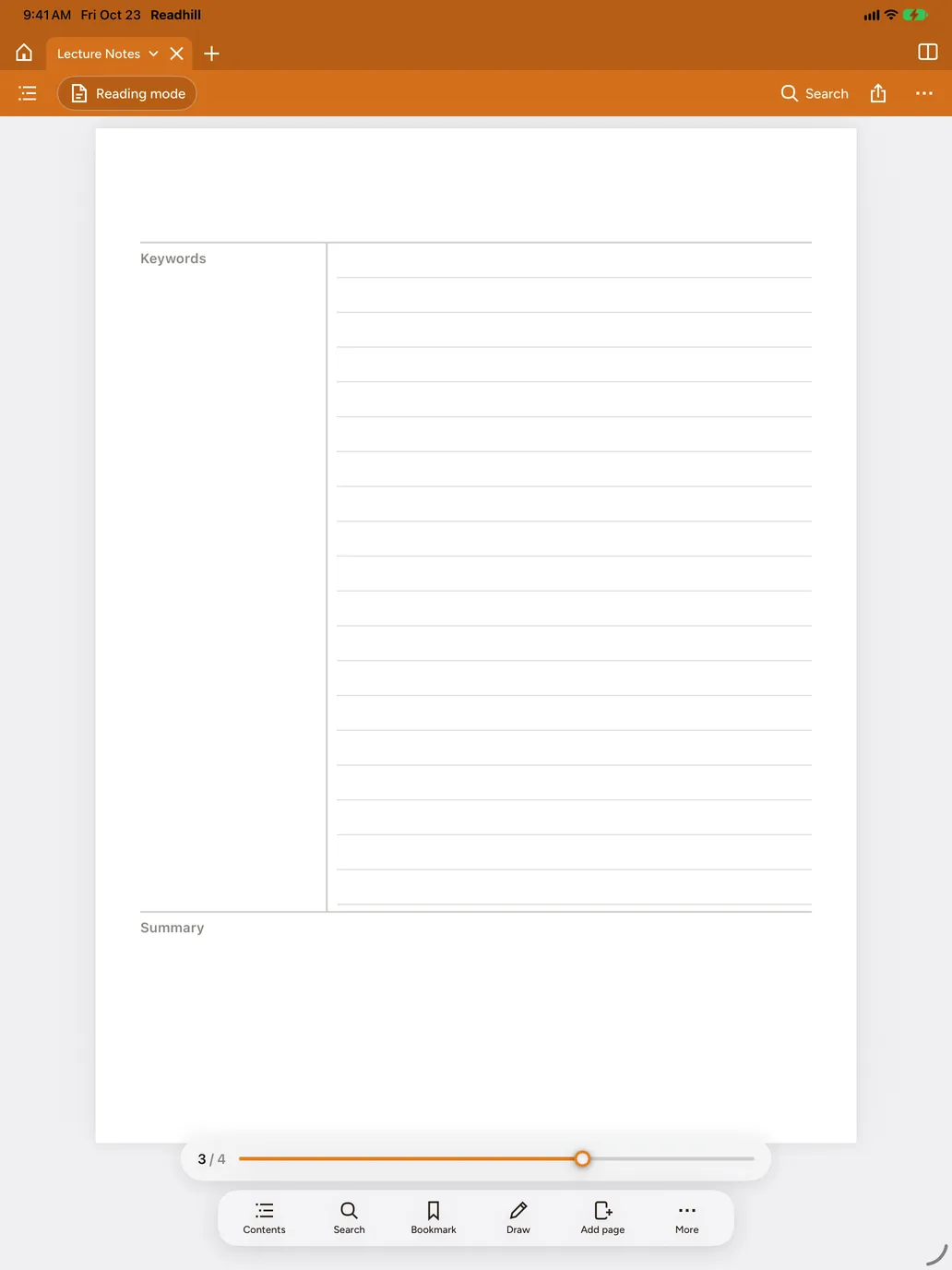
Lined, grid, dotted, Cornell, to-do, weekly plan and more. When an idea comes, open a quick note with one tap.
Your notes don't get lost
Search your handwriting. See your highlights, notes and handwriting in one list and share them as Markdown.
 Readhill