 Readhill
Merge and split
Select documents in the library, drag them into order and merge. Pull the pages you want out of a document as a separate PDF.

PDF tools
Merge, split, sign, fill in. No separate app and no uploading to a website; it all happens on your device.
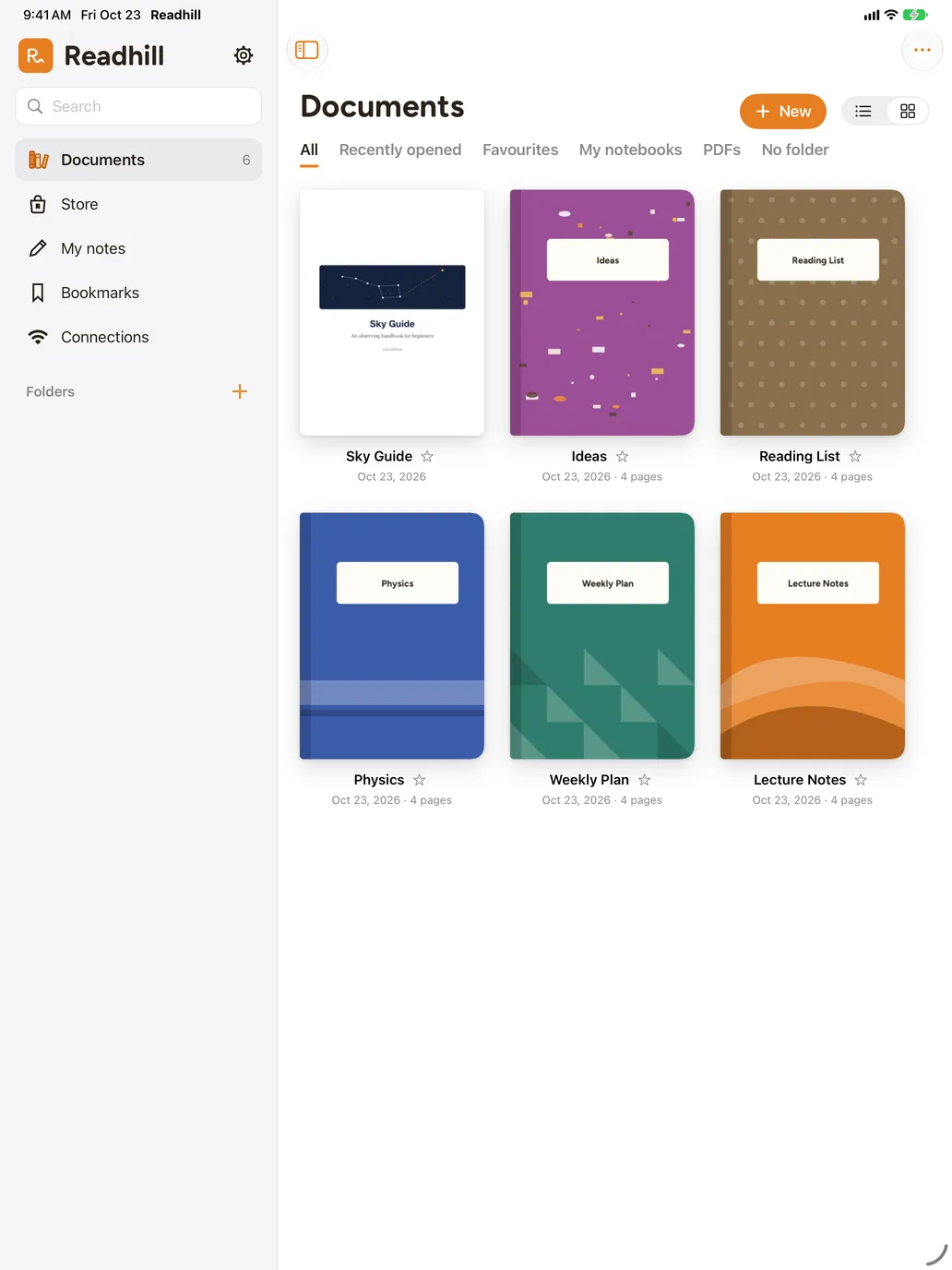
Select documents in the library, drag them into order and merge. Pull the pages you want out of a document as a separate PDF.
Save your signature once and add it to any document with one tap. Fill in the fields of PDF forms.
Select several documents to move, share, merge or delete.
Print with or without your drawings, share as PDF and export your notes as Markdown.
No. Merging, splitting and signing happen on your device.
Open it with its password first, then use it like any other document.
Download it free. No account needed.
Requires iPadOS or iOS 17 or later