 Readhill
Notes guide · 5 min read
How to take Cornell notes on iPad
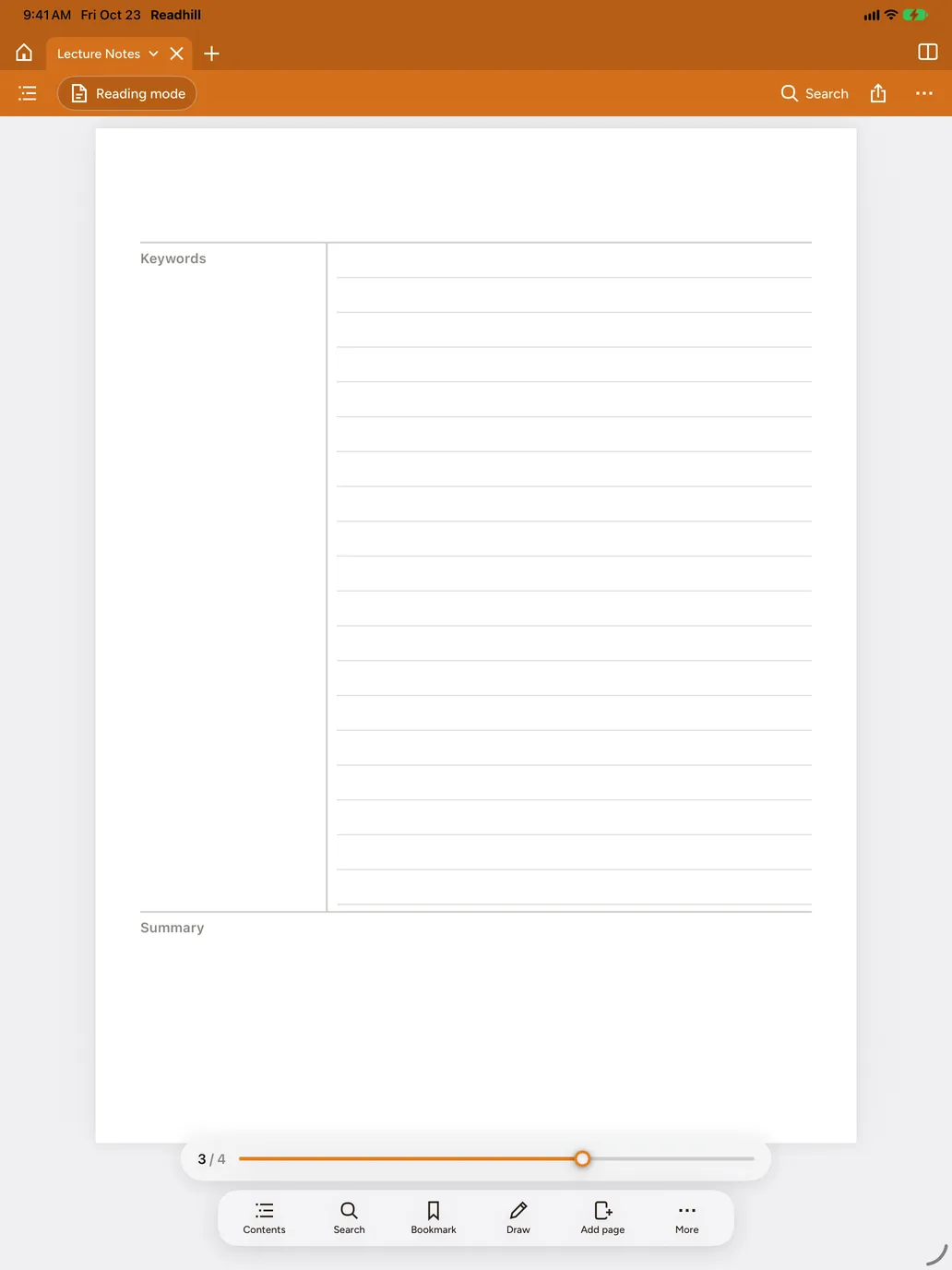
The Cornell method splits the page into three: notes, cues and a summary. When you revise, you see at once what you don't know yet.
Step by step
Open a Cornell notebook
Choose + New › Notebook and pick the Cornell paper.
Write in the right column in class
While you listen, take your main notes in the wide right column.
Fill the left column after class
Write a question or keyword for each part.
Add a summary at the bottom
Write a two- or three-sentence summary at the bottom of the page.
Revise with tape
Cover the right column with tape and test yourself with the questions on the left.
Tips
- Find your questions across every notebook with handwriting search.
- Make a separate folder for each course.